
You find the right fit by matching your laptop’s screen size to the bag’s internal sleeve, ensuring the padding is at least 10 millimeters thick for impact protection. To choose a laptop backpack, check for reinforced stitching at stress points and water-resistant materials to keep your gear dry during daily commutes.
How to choose a laptop backpack for durability
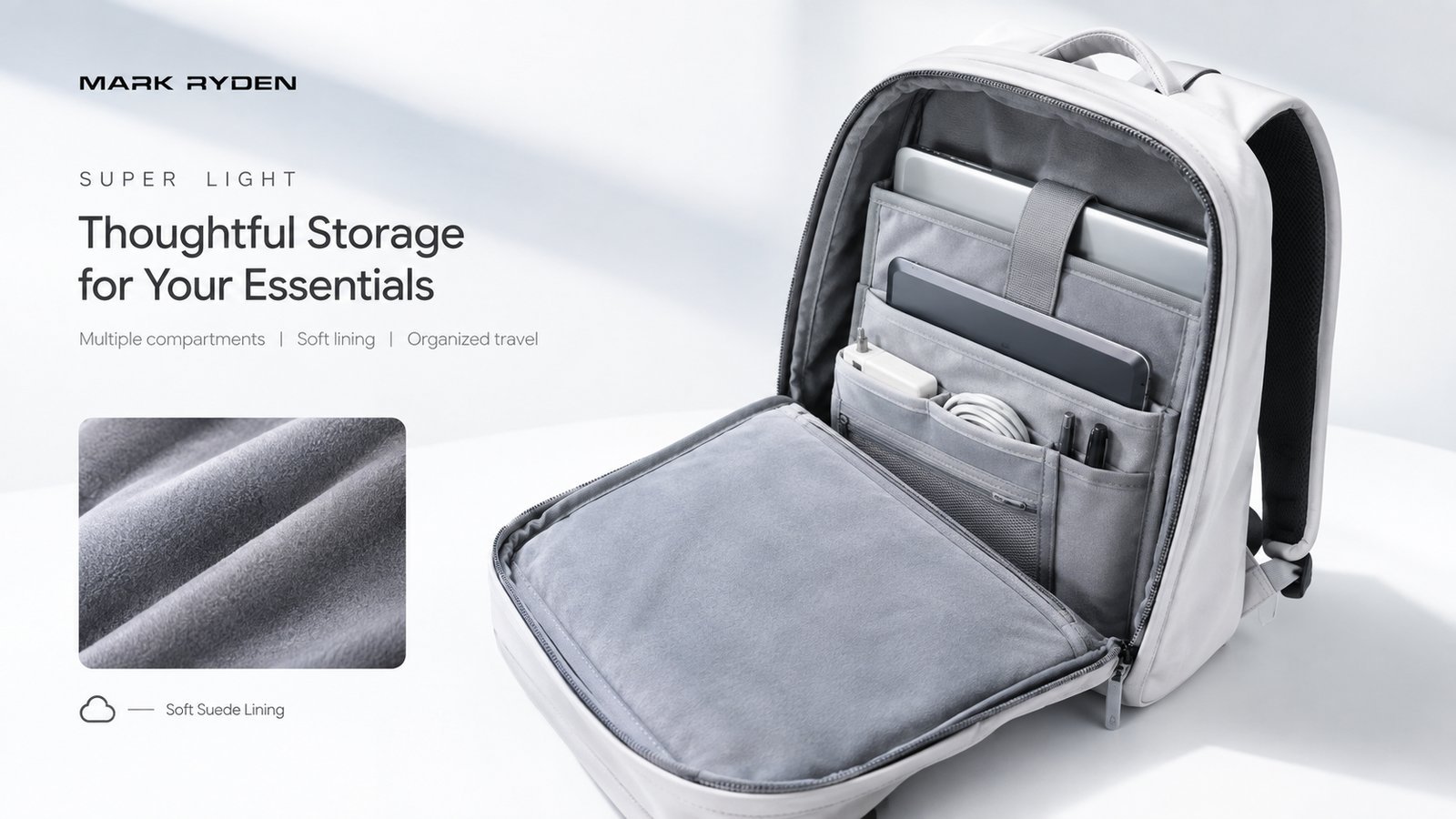
A laptop backpack is a specialized bag designed with a dedicated, padded compartment to hold a computer securely against the back panel. It’s built for students, office workers, and travelers who need to carry heavy tech while keeping their hands free. True protection comes from a suspension system that holds the device off the bottom of the pack, keeping it safe from sudden drops.
Selecting the right bag
- Measure your laptop’s diagonal screen size and physical dimensions to ensure it fits the interior sleeve.
- Check for a dedicated laptop compartment that sits closest to your back for better weight distribution.
- Look for at least 10 millimeters of high-density foam padding on all sides of the laptop sleeve.
- Test the zippers to ensure they’re YKK or similar high-quality brands that don’t snag easily.
- Inspect the shoulder straps to ensure they have breathable mesh and enough padding to prevent digging.
- Verify the fabric is water-resistant to protect your hardware from light rain or spills.
- Confirm the bag has at least two external side pockets for water bottles or small chargers.
The most important judgement call is prioritizing comfort over extra features; if the bag doesn’t sit flush against your spine, even a perfect sleeve will feel heavy after twenty minutes of walking. Consult the American Occupational Therapy Association for guidance on proper strap adjustment to avoid back strain.
Essential specs for your gear
This assumes daily moderate use; for heavy industrial environments, you should replace your bag as soon as the internal padding begins to compress or lose its shape.
Quality versus common defects
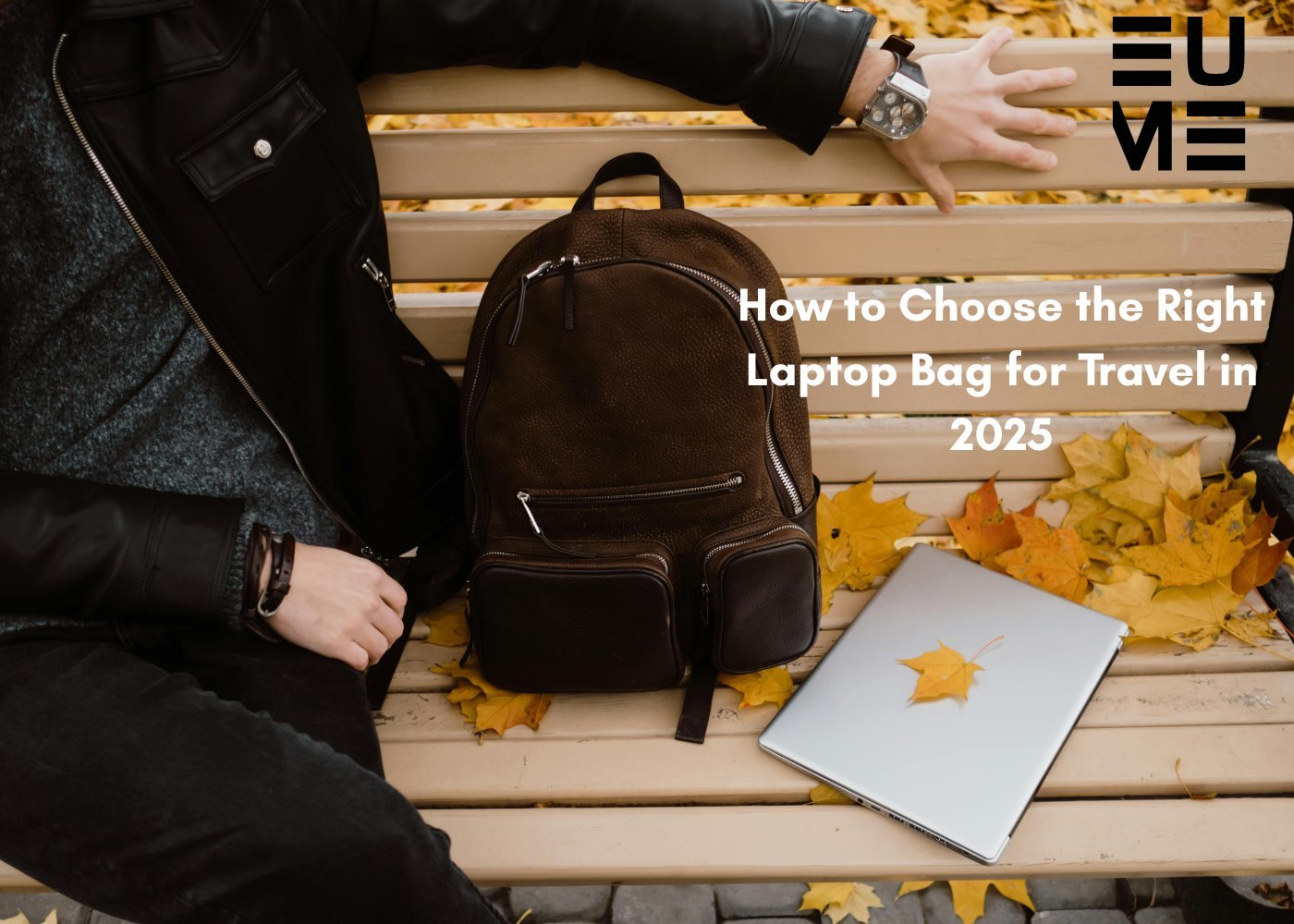
Experienced users check the stress points before buying, specifically where the shoulder straps meet the body of the bag. If you see only a single row of stitching, the weight of a heavy laptop and power brick will likely cause a tear within months. Good bags use “bar-tack” stitching, which is a tight, reinforced zigzag pattern that handles tension much better than a straight line of thread.
You should also look for a “false bottom” in the laptop compartment. This is a gap of an inch or two between the bottom of the sleeve and the bottom of the bag.
Troubleshooting common issues
| What you notice | What it usually means | What to do first |
|---|---|---|
| Zipper gets stuck | Fabric caught in track | Use wax or pencil lead |
| Strap feels loose | Buckle is slipping | Adjust strap tension or replace buckle |
| Water leaking in | Coating has worn off | Apply fabric waterproof spray |
| Back hurts | Weight is unbalanced | Adjust straps higher |
Regulatory standards and safety
When choosing gear, look for bags that meet international quality standards for fabric durability, often denoted by denier ratings. A higher denier, such as 600D or 1000D, indicates a thicker, more tear-resistant nylon. If you’re buying a bag for a child, the American Academy of Pediatrics recommends that the total weight of the loaded backpack shouldn’t exceed ten to twenty percent of the child’s body weight to prevent spinal issues. Always check the manufacturer’s specific warranty policy, as many reputable brands offer lifetime coverage against defects in materials and workmanship.
Maintaining your equipment

To keep your bag in top shape, wipe the exterior with a damp cloth regularly to remove dust and grime. Never put your backpack in a washing machine, as the agitation can ruin the protective coatings and warp the laptop sleeve’s padding. If the bag gets very dirty, use a mild soap and a soft brush to scrub the fabric by hand. Let it air dry completely in the shade, as direct sunlight can break down synthetic fibers over time.
When to avoid a backpack
Standard backpacks are often too small for laptops larger than 17 inches, which can cause poor posture. Rolling cases or briefcases provide better support for these devices. Additionally, if you’re attending a formal business meeting, a bulky tech backpack may look unprofessional; consider a sleek, leather messenger bag instead.
Can I carry my laptop in a regular school bag?
Yes, but only if you use a separate, padded protective sleeve. A regular bag lacks the shock-absorbing compartment needed to keep your device safe from impacts during your daily commute.
How do I know if the bag is waterproof?
Check the product label for “water-resistant” or “waterproof” ratings. Most standard nylon bags are water-resistant, meaning they handle light rain, but they aren’t fully waterproof during heavy storms.
Is it safe to carry my charger in the same pocket?
No, it isn’t safe because the hard metal prongs of a charger can scratch your laptop’s screen or casing. Always use a separate small pouch for your power adapter.
What happens if I overpack my backpack?
Overpacking puts unnecessary stress on the shoulder strap stitching and zippers. This causes the seams to fail prematurely and makes the bag uncomfortable to carry for more than a few minutes.
How long should a quality laptop bag last?
A high-quality bag will last for many years with daily use. This depends entirely on the quality of the zippers and the thickness of the fabric at the base.
Choosing the right bag is about balance, not just the lowest price. Focus on the internal padding and the quality of the straps, as these parts take the most physical abuse during your day. If you prioritize these features, your laptop will remain secure and your shoulders will benefit from the extra support.
Related guides