
Padded commuter packs are the best backpacks that can carry laptops because their dense foam sleeves isolate fragile electronics from everyday ground drops. Rugged travel rucksacks win instead if you must carry bulky tech accessories across long airport terminals.
Different backpacks to carry your laptop
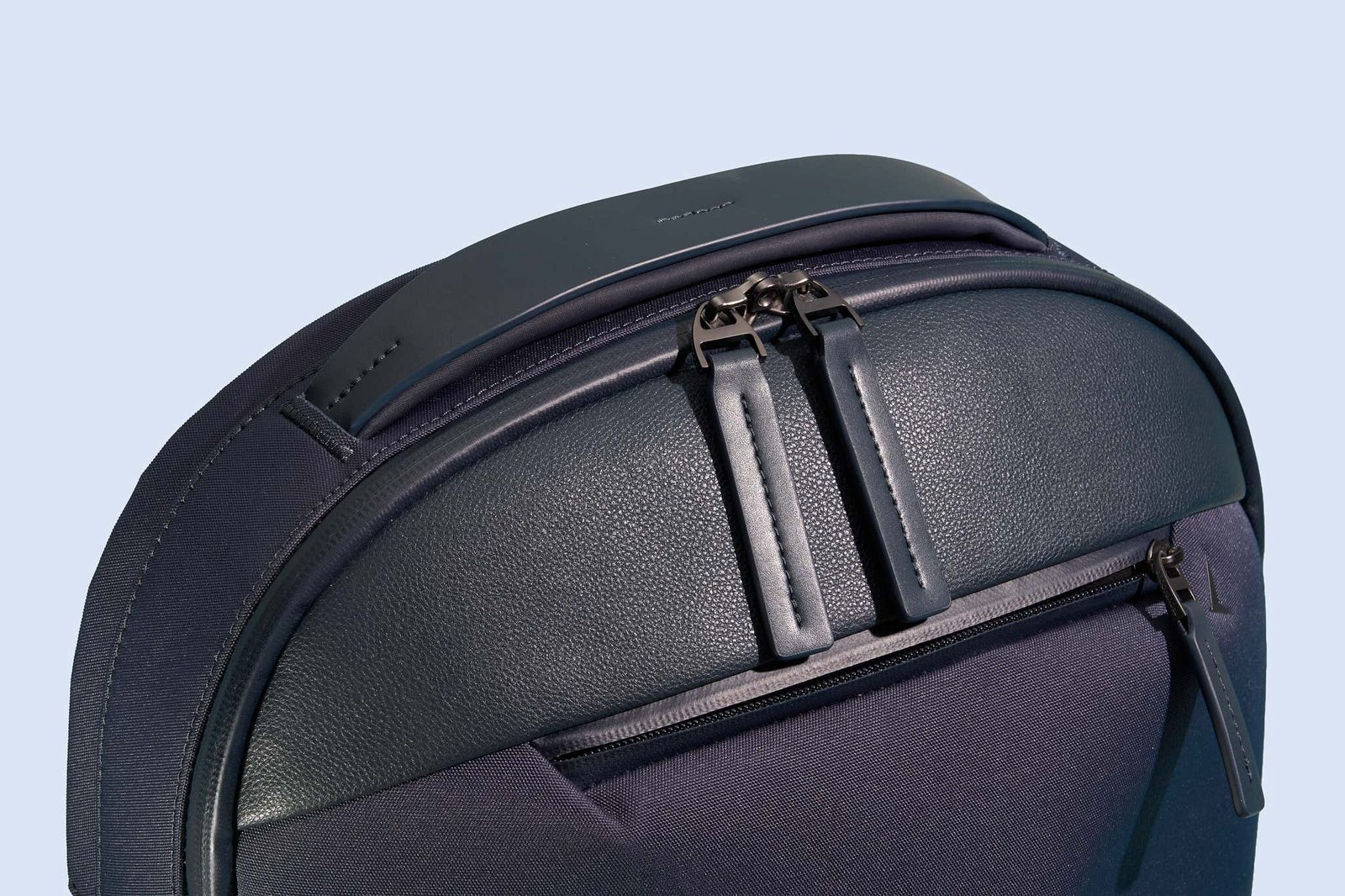
Choosing the right build depends entirely on the gear you pack alongside your computer every morning. A slim daypack saves your back on a crowded bus, but it quickly runs out of room if you pack lunch, gym clothes, or extra screen monitors.
| Method | How long | Effort | Cost | Best for |
|---|---|---|---|---|
| Commuter daypack | 10 to 20 minutes to pack | Low | Medium | Office workers and daily transit riders |
| Travel tech bag | 20 to 30 minutes to pack | Medium | High | Airline travelers carrying extra monitors |
| Messenger sling pack | 5 to 10 minutes to pack | Low | Low | Light walkers who need fast gear access |
Padded commuter sleeve backpack
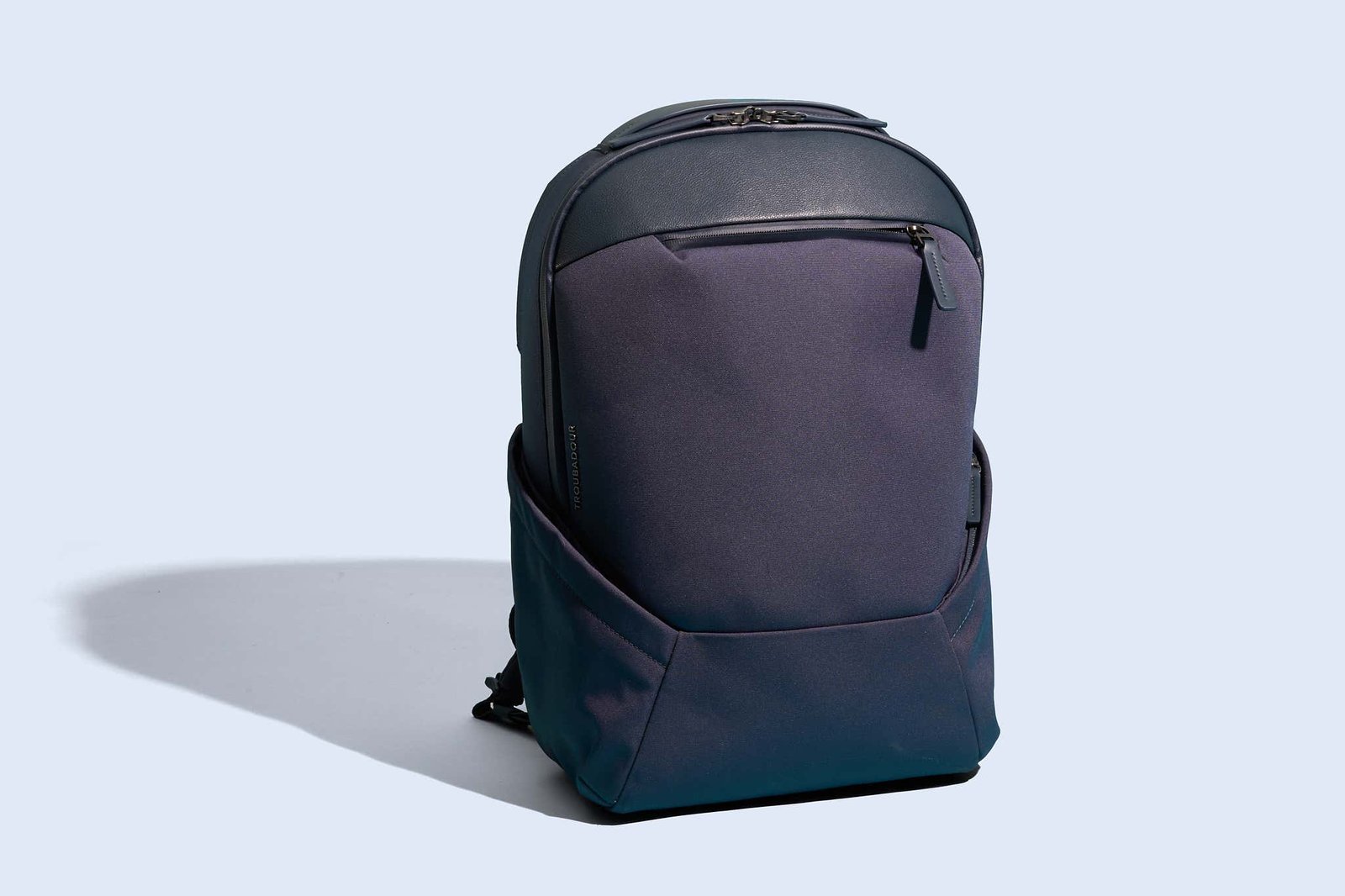
A standard padded computer backpack uses an interior pocket against the back panel to minimize strain. These compartments use high-density EVA foam to absorb bumps while keeping the weight close to your spine.
- Measure your computer diagonally in inches from corner to corner before shopping.
- Slide the device into the integrated sleeve until it rests against the bottom foam base.
- Fasten the elastic hook-and-loop strap over the top edge to stop vertical sliding.
- Adjust both shoulder straps so the bag sits two inches above your waistline.
These packs protect delicate chassis edges well, and they keep a slim profile on crowded subway trains. The main trade-off is limited interior depth, which prevents you from packing thick workout shoes alongside your work gear.
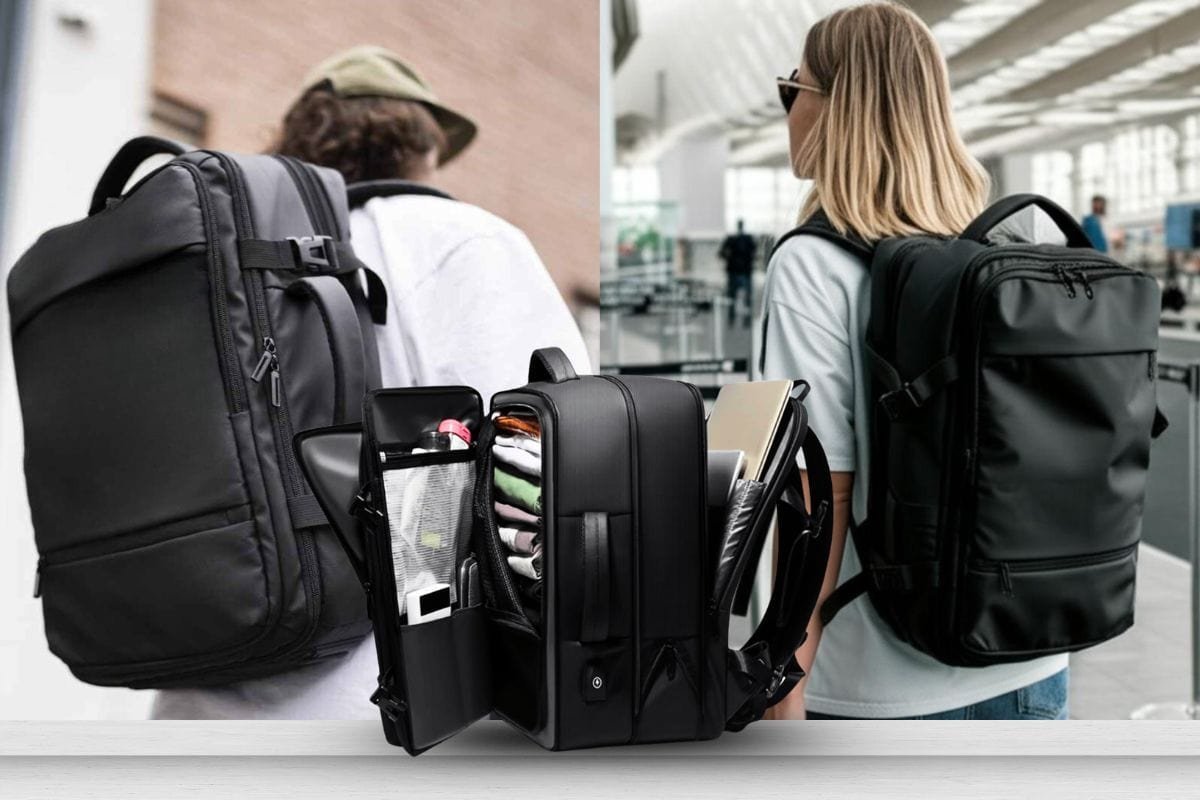
Checkpoint-friendly clamshell rucksack
A clamshell tech rucksack unzips down the middle like a suitcase. This layout lets you place your device on airport conveyor belts without pulling the hardware out of its padded nest. According to TSA checkpoint guidelines, a laptop may remain inside its bag during screening only if the computer compartment unfolds to lie flat with no metal zippers, pockets, or clutter directly above or below it.
- Lay the bag completely flat on a table with the back straps facing downward.
- Unzip the designated rear tech zipper completely around all three perimeter edges.
- Secure the computer inside the mesh-shielded side using the internal retention webbing.
- Close the split halves together and snap the side exterior compression buckles shut.
This style provides massive storage capacity for multi-day trips and keeps cords organized across dedicated internal zip dividers.
Single-strap cross-body tech sling
A tech sling lets you swing the compartment to your chest without removing the bag. It relies on minimal padding to stay thin and flexible for quick movements through the city.
- Swing the pack around to your chest by sliding the padded chest strap forward.
- Open the vertical side zipper to access the thin neoprene computer divider.
- Slide a compact computer or tablet into the fleece sleeve and zip the pocket shut.
- Rotate the pack back across your shoulder blade and tighten the sternum clip.
This bag gives you immediate access to pens, chargers, and small devices while you stand in line. A roll-top waterproof dry bag offers maximum weather defense, though its deep bucket design makes grabbing power bricks annoying.
Choosing your tech backpack
If you’re in a rush to grab your computer between client meetings, pick the cross-body sling because you don’t have to take it off to reach your power cable.
Basic packing rules for tech bags
Check your device measurements against the manufacturer’s sleeve tag, because interior dimensions run smaller than the exterior fabric shell. If your computer measures 15 inches, buy a 16-inch compartment; if it measures 13 inches, stick to a 14-inch sleeve. Always place heavy power bricks and metal items at the bottom of the main pocket, away from the computer screen’s flat face. Always choose a bag with a false bottom to prevent laptop corner damage during drops. Finally, pull all zipper pulls fully shut to the side to keep rain from leaking past top seams.
Frequently asked questions
Can a 15.6-inch laptop fit in a 15-inch backpack?
No, it usually won’t fit because interior compartment sleeves are cut to exact frame limits. A 15.6-inch chassis jams against the upper corners, which prevents the outer zipper from closing without stretching and damaging the fabric seams.
Why do laptop bags have a false bottom?
A false bottom suspends the computer sleeve one to two inches above the backpack floor. This empty space stops your laptop from hitting the hard floor whenever you drop your bag down onto pavement, desks, or bus tiles.
How much weight can a laptop backpack hold?
Fifteen to twenty pounds is the safe limit for most nylon daily bags before shoulder straps tear. Carrying more than twenty pounds strains the seams, weakens zipper teeth, and pulls painfully on the wearer’s neck and lower spine.
Is water-resistant fabric enough to protect a laptop?
Yes, for light rain lasting ten to fifteen minutes during an ordinary city walk. It won’t protect tech gear during heavy downpours, so you need a coated rain fly cover or fully taped seams for extended wet storms.
What happens if a laptop backpack has no padding?
The screen glass can crack from light exterior bumps, and the metal chassis corners will dent during normal set-downs. Loose chargers inside the bag will also press hard against the outer casing, causing permanent pressure spots across the display panel.
Can I wash a laptop backpack in a washing machine?
No, machine agitators destroy the protective EVA foam panels and peel away water-resistant internal coatings. Clean dirty exterior spots by hand instead, using a soft nylon brush, warm water, and a drop of mild dish detergent.
Backpacks carry, in short
This selection comes down to your personal travel routine and gear list. Choose the commuter pack for quick daily transit, grab the clamshell rucksack for long airline flights, or take the sling for short, lightweight errands. Always verify that your bag features a raised sleeve base before loading expensive computers inside.