
Backpacks that can hold laptops are bags featuring a dedicated, padded interior sleeve designed to protect electronic devices from impact. These bags typically fit computers ranging from 11 to 17 inches in screen size, and this guide explains how to choose, pack, and maintain them for daily use.
Choosing backpacks that can hold laptops securely
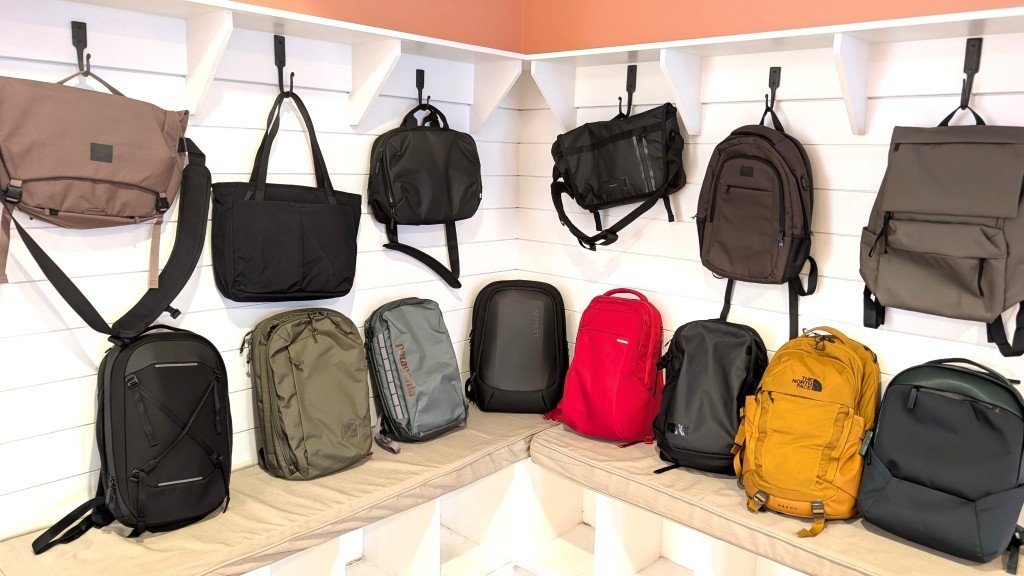
Photo: www.nytimes.com on Google
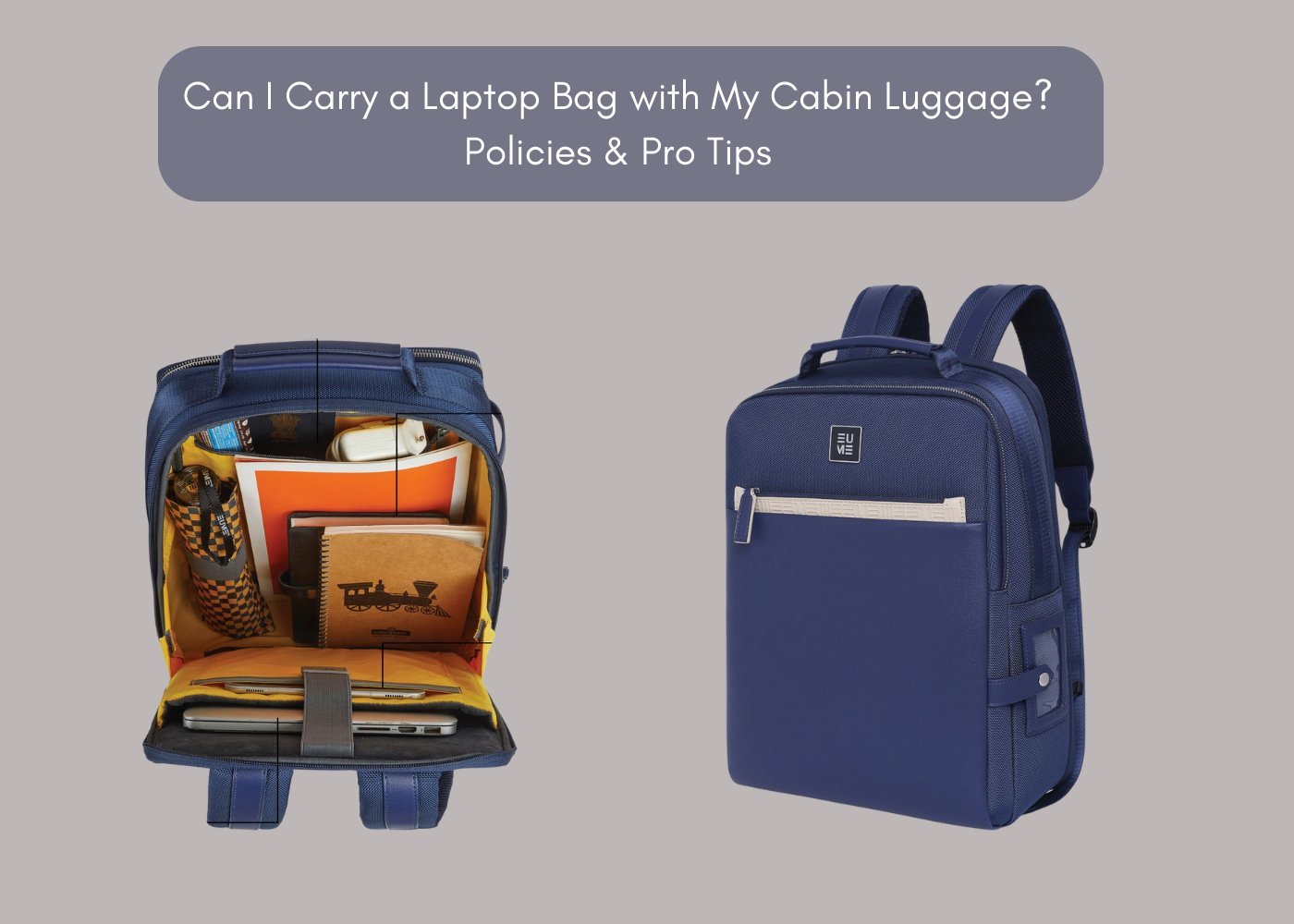
A laptop backpack serves as a protective carrier that separates your computer from books, water bottles, and other heavy gear. These bags are for students, commuters, and travelers who need to keep their devices safe while moving through busy areas. A common mistake is assuming that any bag with a sleeve provides enough protection. A true laptop backpack features a “floating” sleeve, meaning the compartment doesn’t touch the very bottom of the bag. This design prevents your laptop from hitting the floor when you set your bag down. Always check the manufacturer’s label for the maximum device dimensions, as internal padding takes up space and limits the actual fit of your computer.
The basic method
- Place your laptop inside the dedicated sleeve, ensuring it slides all the way to the bottom of the padded section.
- Secure the velcro strap or zipper over the top of the device to prevent it from sliding out if the bag tips over.
- Pack heavy items, like textbooks or power bricks, in the center of the main compartment closest to your back.
- Distribute smaller items, such as pens or cables, in the front pockets to keep the weight balanced.
- Close all zippers completely to protect the contents from rain or dust while you’re moving.
The critical judgement call is weight distribution. If you put heavy items too far from your back, the bag will pull on your shoulders and put stress on the laptop frame. If you have a back injury or carry more than 20 pounds, consult ergonomic guidelines from the University of Washington regarding proper backpack fit to avoid physical strain.
Key numbers and settings at a glance
The fit of your bag depends on the screen size and the overall thickness of your device.
What separates good results from bad ones
Proper packing order
Experienced users always pack their heaviest items closest to the back panel. This keeps the center of gravity near your spine, which makes the load feel lighter. They place the laptop in its sleeve first, then stack flat items like notebooks against it. This creates a rigid wall that prevents the laptop from bending. If you leave loose, heavy objects in the front, they can press against the screen and cause pressure marks or cracks over time.
Maintenance and daily checks
Successful owners inspect their bag’s zippers and seams once a month. If you notice a thread pulling, trim it immediately with scissors instead of pulling it, which can unravel a seam. Never force a zipper if it catches on the internal lining. If it sticks, gently pull the fabric away and move the slider back and forth until it clears.
Common problems and quick fixes
| What you notice | What it usually means | What to do first |
|---|---|---|
| Zipper snagging | Lining in the track | Clear fabric with tweezers |
| Bag feels heavy | Poor weight balance | Repack heavy items closer |
| Shoulder pain | Straps set too loose | Tighten straps to lift bag |
| Device slides out | Strap isn’t secured | Check the velcro fastener |
Standards and safety requirements
If your bag includes waterproof zippers or specific denier ratings for fabric, check the manufacturer’s technical specifications for the exact performance limits. This isn’t for users who need a specialized medical device carrier or a high-impact military-grade case; for those needs, you must consult a professional specialized equipment supplier. Following the weight limits printed on your specific bag is essential, as overloading a pack can cause the stitching to fail prematurely, potentially damaging your expensive hardware.
Long-term care tips
To keep your bag in good shape, wipe the exterior with a damp cloth and mild soap regularly to remove dirt buildup. Never submerge the entire bag in water, as this ruins the protective foam and metal components. Store the bag in a cool, dry place away from direct sunlight, which can fade the fabric and weaken the synthetic materials. If the bag starts to lose its shape or the padding feels flat, it’s time to replace it to ensure your laptop remains secure.
When to use a different approach
Don’t use a standard backpack if you’re transporting high-end camera lenses or fragile glass equipment; use a hard-shell case with custom foam instead. If you’re biking in heavy rain, a standard fabric backpack will leak, so choose a roll-top dry bag. If you need to carry more than 25 pounds regularly, switch to a rolling luggage case to protect your back from long-term injury.
Frequently asked questions
Can I wash my laptop backpack in the washing machine?
No, you should never put a laptop backpack in a washing machine because the agitation can break the internal protective padding and damage the zippers. Use a damp cloth for cleaning.
How long should a quality laptop backpack last?
A well-made bag typically lasts between three and five years with daily use, assuming you don’t exceed the manufacturer’s recommended weight limit or expose it to harsh chemicals.
Is it safe to carry a laptop in a backpack with a water bottle?
Yes, it’s safe if you use a side pocket for the bottle and ensure the lid is tight, but never place an open container inside the main laptop compartment.
What happens if the laptop sleeve is too big for my computer?
If the sleeve is too large, your laptop will slide around during movement, which increases the risk of damage; use a secondary padded sleeve inside the backpack for extra security.
How do I know if my bag is TSA-friendly?
A TSA-friendly bag features a design that allows the laptop compartment to lie completely flat on the conveyor belt, so you don’t have to remove the device for scanning.
Final Thoughts
Finding the right companion for your gear makes every commute feel a little lighter. Once you’ve picked a style that fits your personality, take a moment to organize your cables and accessories properly. You’ll be glad you did when you’re heading out the door tomorrow morning, ready to tackle your day.