
Dedicated tech daypacks are the safest choice for backpacks that can carry laptops because a built-in suspended sleeve isolates your machine from ground drops. When you need to carry clothing alongside heavy hardware, a clamshell travel pack works better.
Comparing backpacks that carry laptops
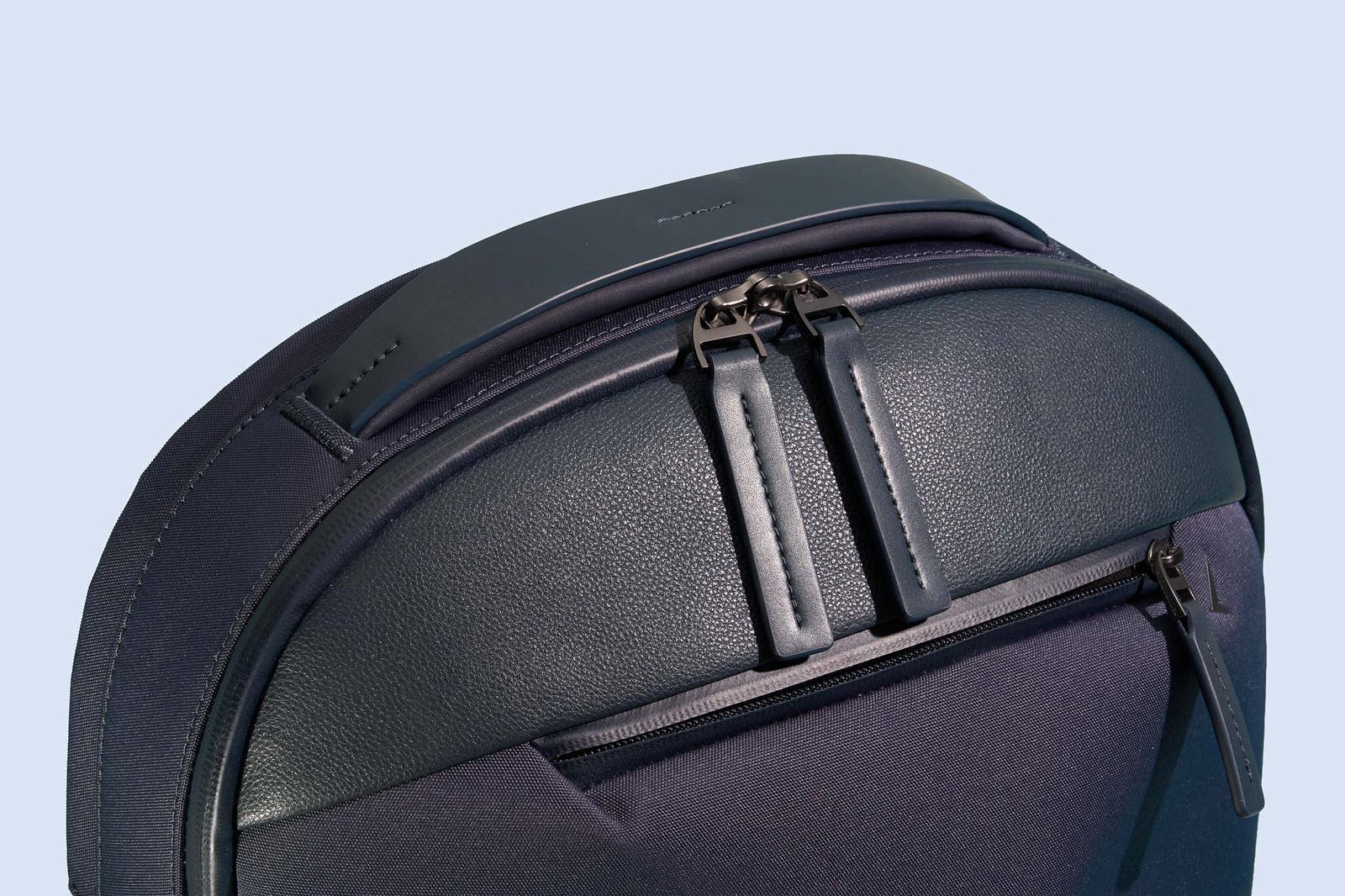
Choosing the right pack depends on your daily load and how you commute.
| Method | How long | Effort | Cost | Best for |
|---|---|---|---|---|
| Dedicated Tech Daypack | 2 to 3 minutes to pack | Low | Medium | Daily office commuters |
| Clamshell Travel Backpack | 5 to 7 minutes to pack | Medium | High | Weekend work trips |
| Roll-Top Commuter Pack | 1 to 2 minutes to pack | Low | Low | Wet bike rides |
Dedicated Tech Daypack
This design uses fixed internal dividers to keep electronics upright against your spine.
- Measure your laptop screen diagonally, matching the machine to a 14-inch, 15.6-inch, or 17-inch padded sleeve.
- Slide the laptop into the suspended pocket so the base hovers at least one inch above the pack bottom.
- Fasten the top Velcro strap to lock the device in place.
- Place power bricks and cables into the separate front zip compartment.
These bags keep your gear organized with dedicated slots for tablets, pens, and battery banks. They keep weight balanced directly against your back during long walks. The downside is rigid capacity; the firm shape stops you from packing bulky clothes or groceries. If you drop the bag hard on concrete, a thin sleeve can fail.
Clamshell Travel Backpack
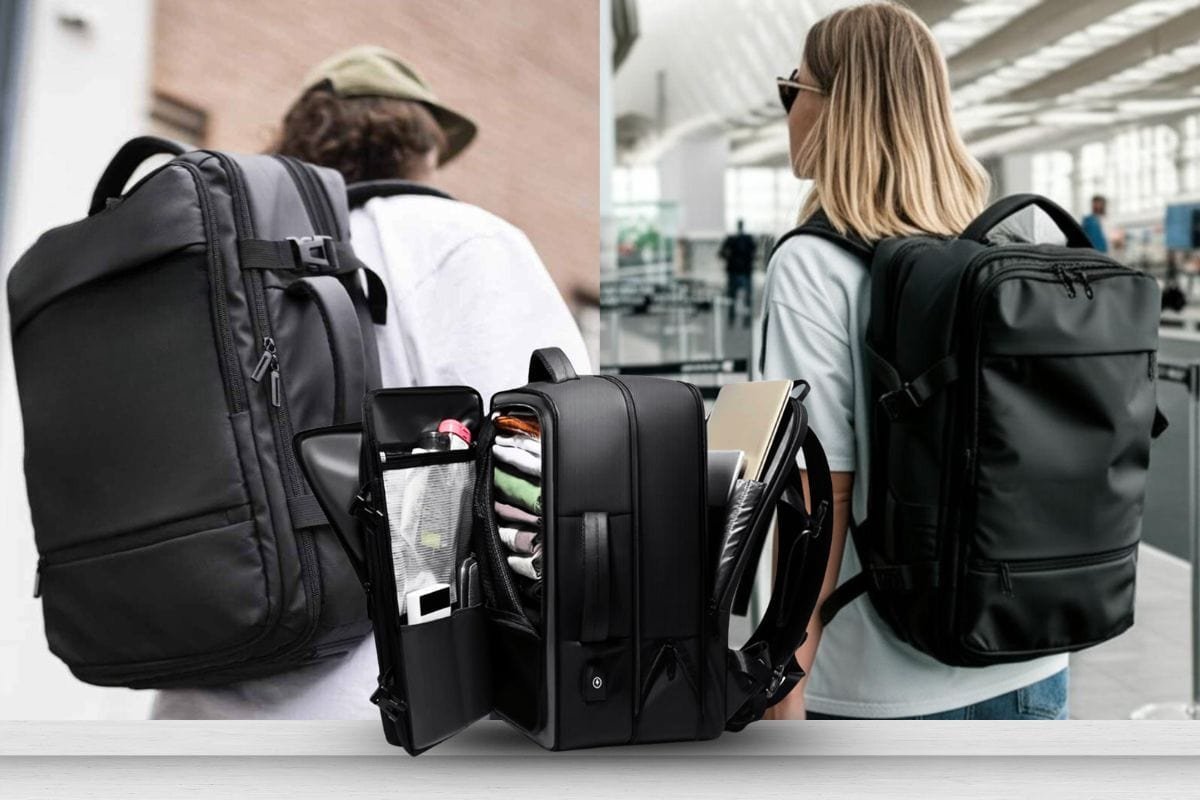
A clamshell bag unzips fully around three sides like a suitcase, keeping hardware isolated from packed clothes.
- Lay the pack flat and pull the perimeter zipper all the way open.
- Put chargers and large electronics into the padded lid compartment.
- Slide the laptop into the flat rear tech compartment behind the shoulder straps.
- Close all main compartment zippers before lifting the bag by its grab handle.
This build gives you huge packing flexibility for weekend travel. The rear laptop pocket stays completely flat so the computer can’t twist under pressure. However, this pack feels heavy and bulky on short daily trips. It also requires a clean, flat surface whenever you want to open it fully.
Roll-Top Commuter Pack
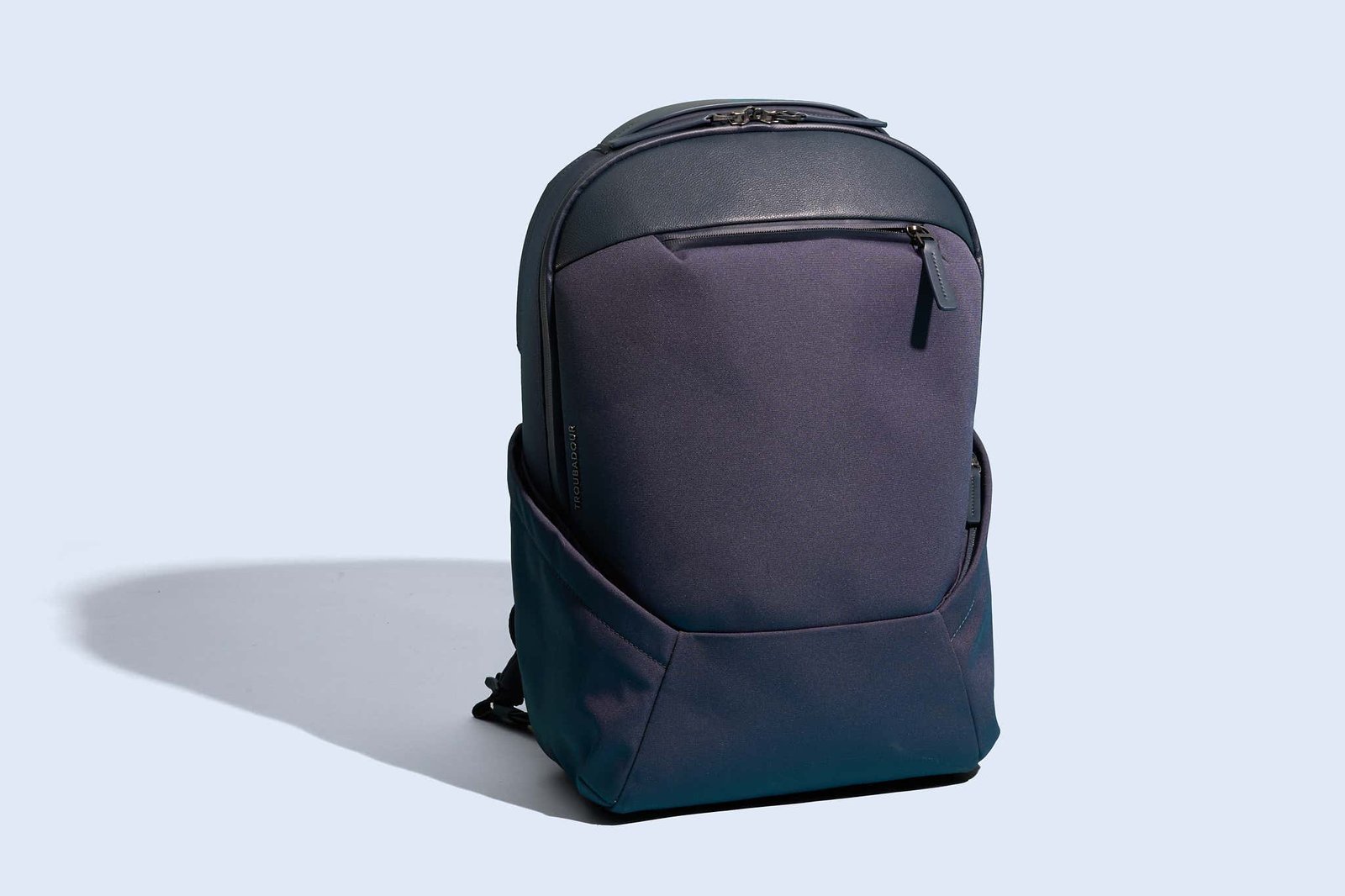
Roll-top bags use waterproof fabrics and a folded opening to seal out moisture.
- Place your laptop inside an internal neoprene sleeve or against the back padding.
- Push bulky items like jackets to the bottom to cushion the computer.
- Press the top opening flat to squeeze trapped air out.
- Roll the fabric down tightly at least three full turns, then buckle the side clips.
The rolling top keeps heavy rain out and expands easily when you need extra storage room. The trade-off is convenient access; you must unroll the entire bag to pull your laptop out at a desk.
A standard sleeve inside a basic school bag is an alternative, but it offers poor drop protection and wears out quickly under daily friction.
Which one should you use?
If you’re in a hurry, grab a roll-top commuter pack because dropping your gear inside takes seconds without managing tiny pocket zippers.
For your first purchase, choose a dedicated tech daypack because pre-arranged organizers stop gear from rattling around.
When you want the best possible result whatever it takes, pick the clamshell travel backpack. It shields expensive hardware from side impacts and spreads heavy travel loads across your hips.
The trade-off comes down to bulk versus protection: extra padding keeps a screen safe, but it adds empty weight to your shoulders all day. This isn’t for hikers carrying camp stoves, as tech fabrics tear on rough rocks.
The rules that apply whichever way you choose
Check your machine’s dimensions before buying; this varies by model — check the label. The Consumer Product Safety Commission backpack guidelines advise keeping total loaded pack weight under 10 to 15 percent of your body weight. Pack the heaviest items closest to your back. Forcing a tight zipper over a laptop corner risks cracking the display casing, which costs hundreds of dollars to replace.
Frequently asked questions
Can a 15.6-inch laptop fit in a 15-inch backpack?
Yes, most modern 15-inch bags fit 15.6-inch screens. Modern laptops use thin screen borders, which keep total dimensions compact. If your device is an older, thick gaming laptop, measure the physical chassis depth first.
Why do laptop sleeves stop above the bag bottom?
This false bottom stops drops from damaging the computer. When you drop your pack onto a hard floor, the air gap prevents the laptop from making direct contact with the ground.
How long does a padded laptop backpack last?
Expect several years of daily use. High-friction points like bottom seams and shoulder strap stitching show wear first. Heavy rain and overloading shorten the lifespan of water-resistant zipper coatings.
Is it safe to carry a running laptop in a backpack?
No, never pack a laptop while it’s turned on. Enclosed fabric pockets block exhaust vents, causing heat to build up quickly. That trapped heat can trigger emergency battery shutdowns and degrade internal components.
What happens if a laptop bag gets wet in heavy rain?
Water seeps through standard woven fabrics and unsealed zipper coils within minutes. Standard nylon resists light mist, but heavy downpours soak through to the internal electronics unless you use an external rain cover.
Final Thoughts
Choosing the right bag comes down to how much weight you’re comfortable hauling daily. If your shoulders often ache, look for models with thick, contoured straps and a supportive sternum clip. Once you’ve narrowed down your favorite style, head to a local shop to try one on before you buy it.
Related guides