
To determine which backpack is best for laptop safety, look for a dedicated, padded interior sleeve that suspends the device above the bag’s floor. This design prevents direct impact when you set your bag down, protecting hardware from daily shocks.
Why it works
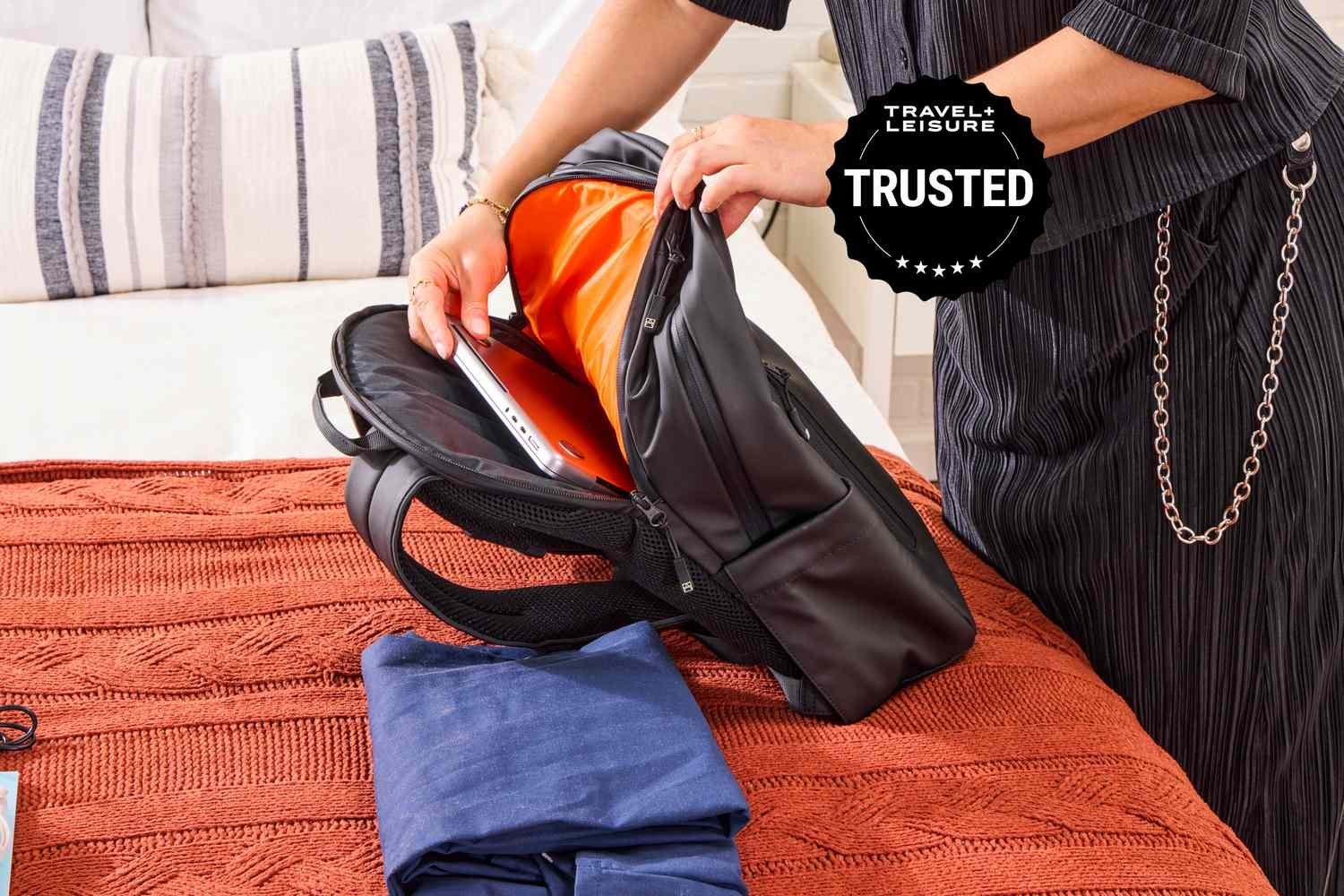
The success of your choice depends entirely on the fit of the sleeve. A sleeve that’s too large allows the computer to slide and shift during movement, while one that’s too tight places unnecessary pressure on the hinges and screen. The most common mistake involves ignoring the weight distribution of the internal load. If you place the heaviest items far from your back, you risk poor posture and increased strain on your shoulders regardless of the bag’s quality.
Selecting your ideal carrier
- Measure your laptop’s width, depth, and thickness in centimeters to ensure it fits the manufacturer’s internal sleeve dimensions.
- Choose a material with water-resistant properties, such as high-denier nylon, to protect electronics from light rain or accidental spills.
- Verify that the shoulder straps feature high-density foam padding to distribute the weight across your trapezius muscles rather than just the neck.
- Check for a secondary compartment that sits against your back to keep the heaviest weight closest to your center of gravity.
- Inspect the zippers for a locking mechanism if you commute in crowded areas where theft is a concern.
Tip: If you carry gear for more than four hours daily, look for a chest strap to stabilize the load.
Tip: Avoid bags with thin, unpadded base material, as these offer zero protection against hard surfaces like concrete or tile.
Time needed for selection
The time required to find the right fit depends on your specific needs and how many models you test.
| Situation | Time estimate | What changes it | What to watch for |
|---|---|---|---|
| Online research | 30–60 minutes | Number of reviews read | Paid versus honest feedback |
| In-store fitting | 15–20 minutes | Availability of stock | Padding density at base |
| Comparing features | 10–15 minutes | Complexity of compartments | Material durability ratings |
If the search takes longer than two hours, you’re likely overthinking the aesthetic options rather than focusing on the protective specifications.
Signs of a quality build
You can confirm the quality by inspecting the seams and the internal padding. A well-made bag features double-stitched stress points at the strap attachment zones, which prevents tearing under heavy loads. The padding should feel firm, not squishy, to ensure it doesn’t compress over time.
Mistakes that ruin it
Photo: www.nytimes.com on Google
- Buying for style over function: You might pick a bag that looks great but lacks a padded bottom, leading to cracked screens when you drop your bag. Always prioritize a suspended sleeve over external pockets or fashion colors.
- Overloading the bag: Adding heavy books or equipment beyond the manufacturer’s recommended capacity causes premature wear on the strap stitching. Check the label for weight limits and stick to them to preserve the bag’s structural integrity.
- Leaving zippers open: This is a common habit that leads to your laptop sliding out when you tilt the bag. Make it a rule to zip the compartment fully every time you remove your hand from the handle.
Can I use a regular school backpack for my laptop?
Yes, you can use one, but you must add a separate, rigid protective sleeve to the inside. Regular school bags lack the shock-absorbing base and internal suspension needed to prevent damage during accidental drops or rough handling on hard surfaces.
Check your bag by pressing firmly on the bottom panel. If you feel the floor or the ground through the fabric, it’s insufficient. In that case, you must use a hard-shell case rather than a soft neoprene sleeve to ensure structural integrity.
Is it safe to carry a laptop in a backpack during rain?
No, most standard backpacks aren’t waterproof and will allow moisture to seep through seams or zippers. You should use a dedicated rain cover or a bag treated with a durable water-repellent finish if you frequently walk outdoors during storms.
How long should a good laptop backpack last?
A high-quality backpack should last for several years with daily use. This varies by model — check the label for material denier counts, as higher numbers usually indicate more durable, abrasion-resistant fabric that resists thinning over time.
What happens if the backpack is too big for my laptop?
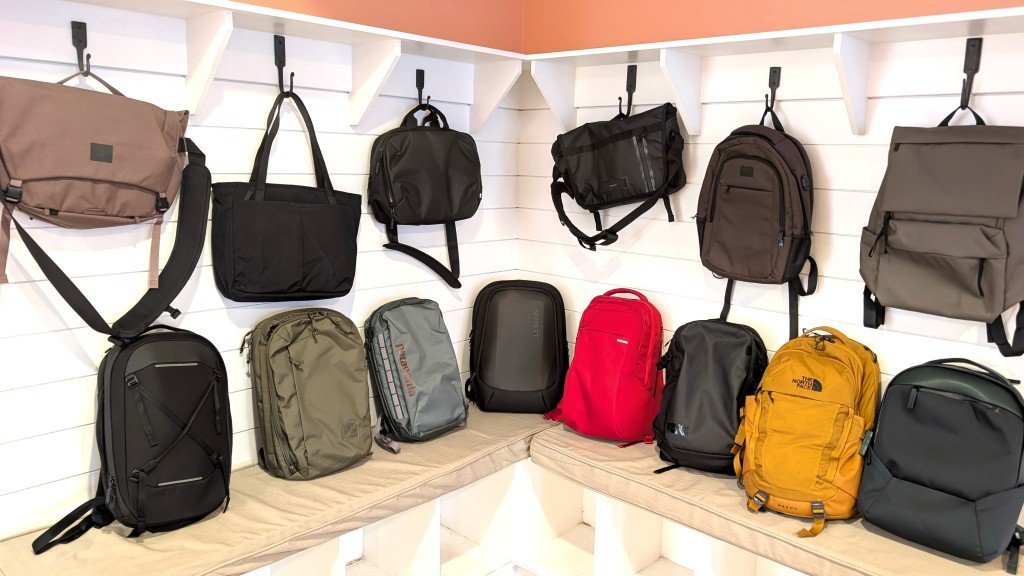
Your device will shift constantly while you walk, which increases the risk of impact against the sides of the bag. If you can’t exchange the bag, fill the extra space with a flat, firm foam insert to keep the device centered and stable.
How do I know if the straps are adjusted correctly?
The top of the backpack should sit no lower than your shoulder blades when the straps are tightened. If the bag hangs lower, it pulls on your shoulders and creates back pain, which indicates the straps are too loose for your torso.