
Yes, you can take a backpack as a carry on, provided it fits within the airline’s size and weight requirements. Most airlines allow one personal item and one carry-on bag, so you should check your specific carrier’s limits before you head to the airport.
Airline rules for carry-on backpacks
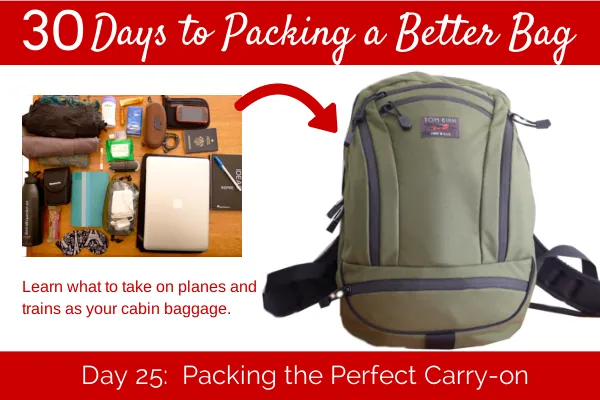
Most airlines use specific dimensions to decide if a bag fits in the overhead bin. If your backpack is too large, you’ll have to check it at the gate, which often costs extra money.
| Airline | Max Carry-On Size | Weight Limit |
|---|---|---|
| United Airlines | 22 x 14 x 9 inches | None stated |
| Delta Air Lines | 22 x 14 x 9 inches | None stated |
| American Airlines | 22 x 14 x 9 inches | None stated |
| Southwest Airlines | 24 x 16 x 10 inches | None stated |
| Spirit Airlines | 22 x 18 x 10 inches | 40 pounds |
| JetBlue | 22 x 14 x 9 inches | None stated |
Always check the Transportation Security Administration website to see which items are allowed inside your bag. These rules apply to your carry-on items regardless of the backpack’s size.
Factors that decide your bag’s status
The primary factor deciding if your bag counts as a carry-on or a personal item is its physical size. A standard carry-on must fit inside the overhead compartment, while a personal item must fit under the seat in front of you. Airlines define personal items as purses, briefcases, or small backpacks that don’t block the aisle or impede other passengers.
If you’re flying on a basic economy ticket, your airline might restrict you to only one personal item. In this case, your backpack must fit under the seat, or you’ll pay a fee to use the overhead bin.
If you have a standard ticket, you can usually bring both a personal item and a larger carry-on backpack. If your bag is soft-sided, you can compress it to fit the bin; if it has a rigid frame, it must meet the dimensions exactly.
How to pack for carry-on travel
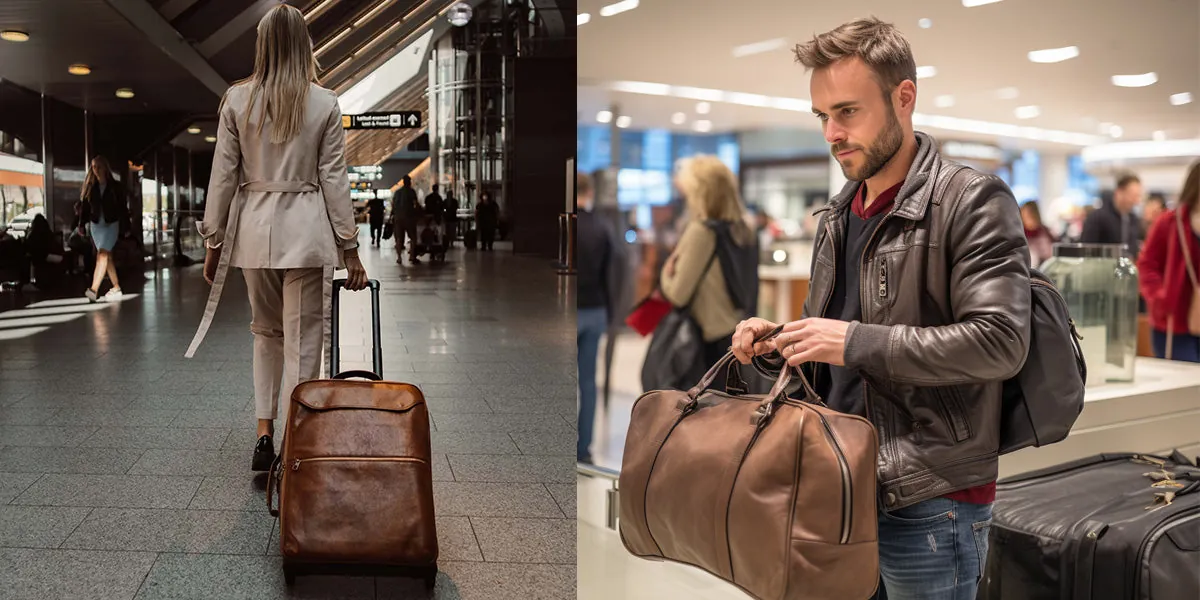
- Measure your backpack using a tape measure to ensure it falls within the 22 x 14 x 9 inch limit used by most major carriers.
- Remove restricted items like liquids over 3.4 ounces or sharp tools that the security team will confiscate at the checkpoint.
- Organize your electronics so they’re easy to reach, as security officers often require you to remove laptops or tablets from your bag.
- Weigh your packed bag on a home scale to ensure it stays below the limit, typically 40 pounds for international flights, to avoid unexpected gate fees.
- Secure all loose straps by tucking them into the bag or using clips so they don’t snag on the aircraft equipment during boarding.
The mistake people make with backpacks
The most common mistake is overstuffing a backpack so that it becomes too thick to fit into the airline’s metal sizer box. This often happens when travelers try to fit extra clothes or shoes into the front pockets. If the bag doesn’t slide into the sizer without force, the gate agent will require you to check the bag. This can be quite expensive compared to carrying it on, so always leave an inch of space for compression.
When to stop and get help
You should stop trying to carry your bag on and seek help from airline staff if you encounter these issues:
- The bag is clearly too large for the sizer, which risks a mandatory gate-check fee.
- You’re carrying restricted items like large tools or prohibited chemicals that require special handling.
- The zippers are failing, creating a risk that items will spill inside the plane or the security scanner.
If you have a medical device or special equipment, contact the airline’s customer service desk at least 48 hours before your flight to confirm their specific accommodation policy.
Frequently asked questions
Can I bring a laptop in my backpack?
Yes, you can bring a laptop in your backpack, but you must remove it from the bag during security screening. Most airports require you to place it in a separate bin for X-ray scanning.
Is it safe to put my backpack in the overhead bin?
Yes, it’s safe as long as the bin closes completely and doesn’t shift during the flight. Ensure your backpack is placed with the handles facing outward so you can retrieve it easily.
How much does it cost to check a backpack?
The cost varies by airline and ticket class, often being much cheaper than the penalty for a gate-checked bag. Check your airline’s official website under the “Baggage Fees” section to see the exact price for your specific flight.
Does my backpack count as a personal item?
It counts as a personal item if it fits under the seat in front of you. If it’s too large for that space, the airline will classify it as a carry-on or a checked bag.
Can I carry liquids in my backpack?
Yes, you can carry liquids in your backpack if each container is 3.4 ounces or less. All liquid containers must fit into a single, clear, quart-sized plastic bag for easy inspection at the security checkpoint.
What happens if my backpack is too heavy?
If your backpack exceeds the weight limit, the airline will charge you an overweight fee or force you to check the bag. Always check the airline’s baggage policy page for the exact weight limit allowed.
Conclusion
To prepare for your trip, measure your backpack while it’s fully packed to ensure it meets the airline’s size guidelines. If it fits the sizer, you’re ready to board; if it’s too large, you should remove items or prepare to pay for a checked bag.